
 Download
Recommendation

AI Image Enhancer
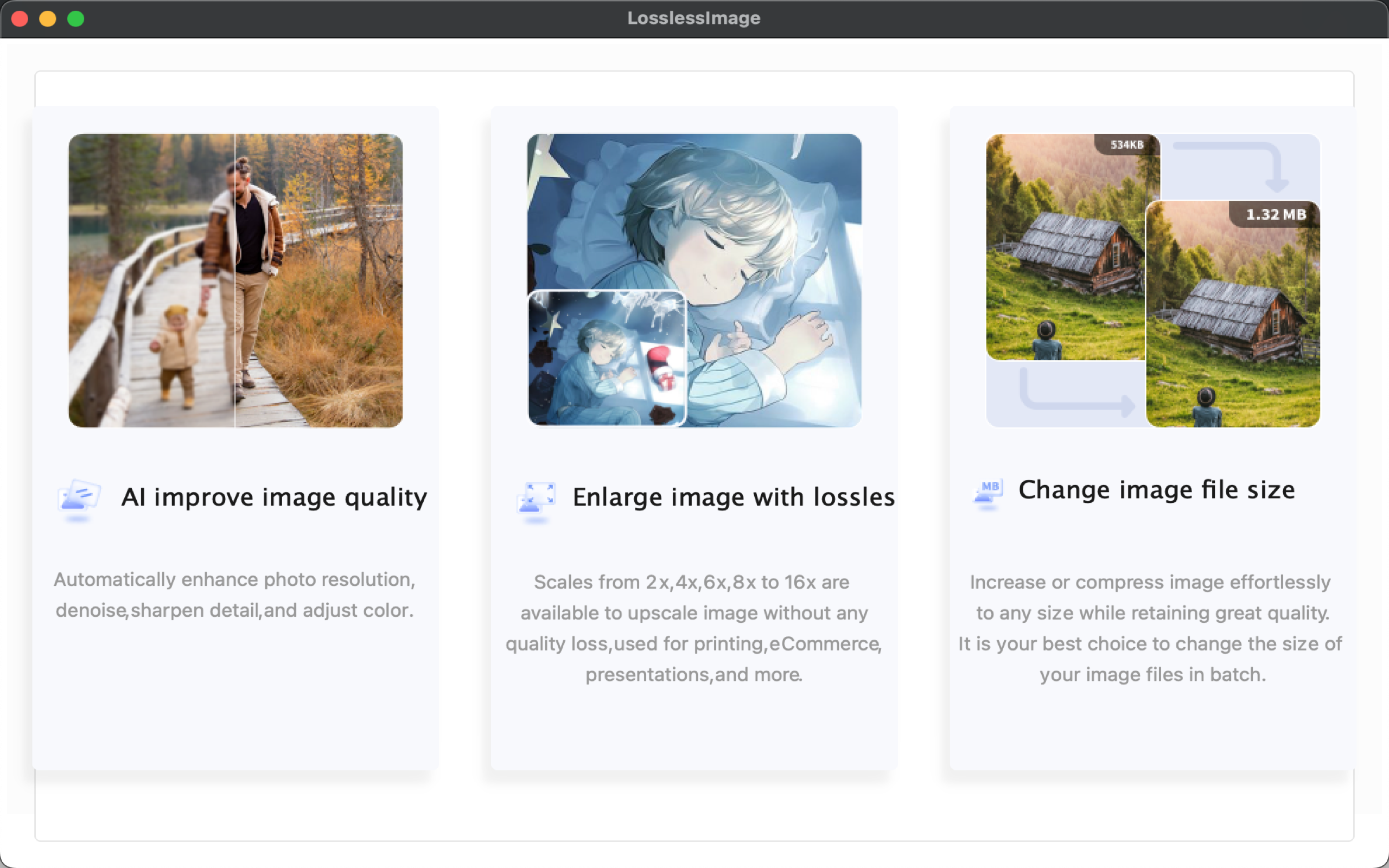
Enhance image details, Reduce noise, Decrease blur for sharper...


AI Upscale Image to 4K
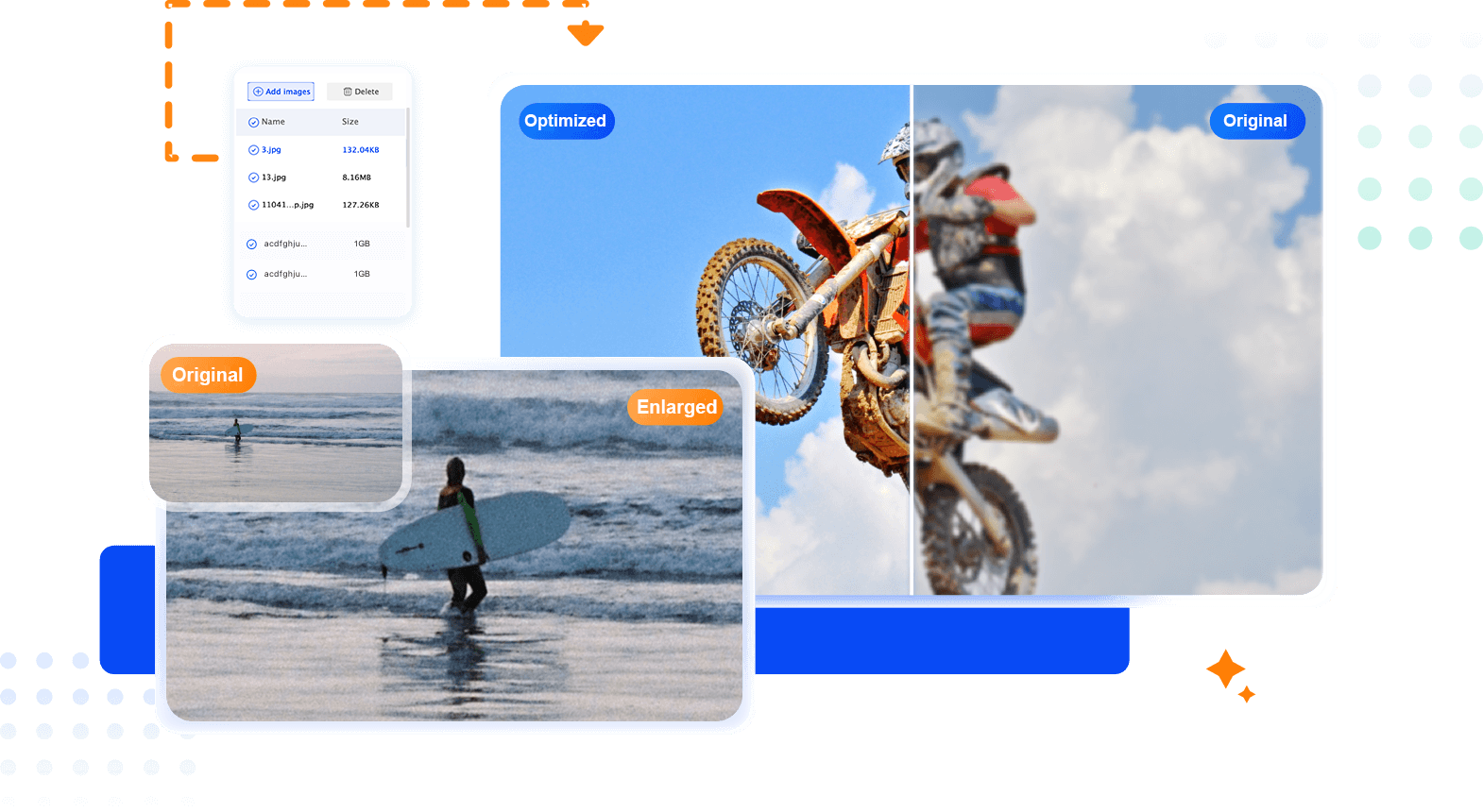
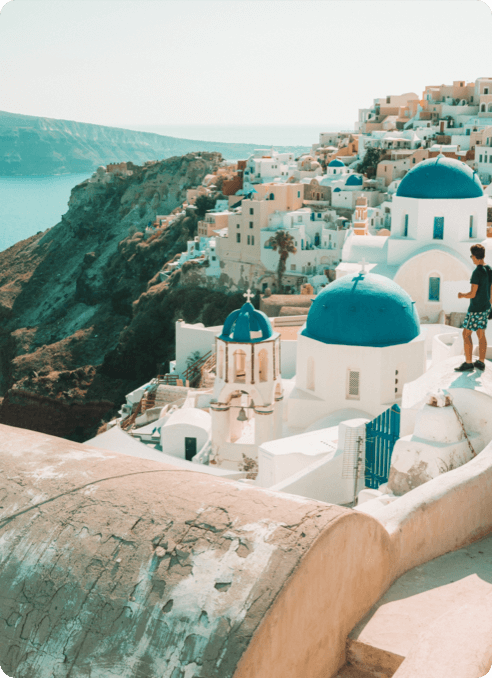
AI upscaling delivers 40x resolution enlarging & quality enhancing
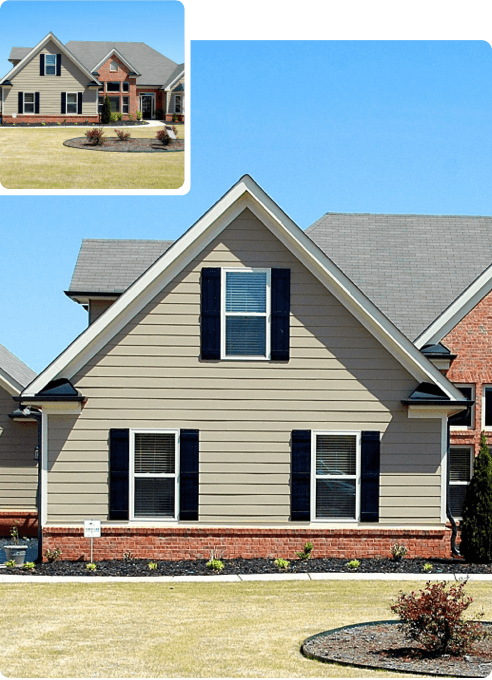 Original AI Enlarged
AI Portrait Retoucher
AI automatically enhances facial details retouching to beautify face portrait.
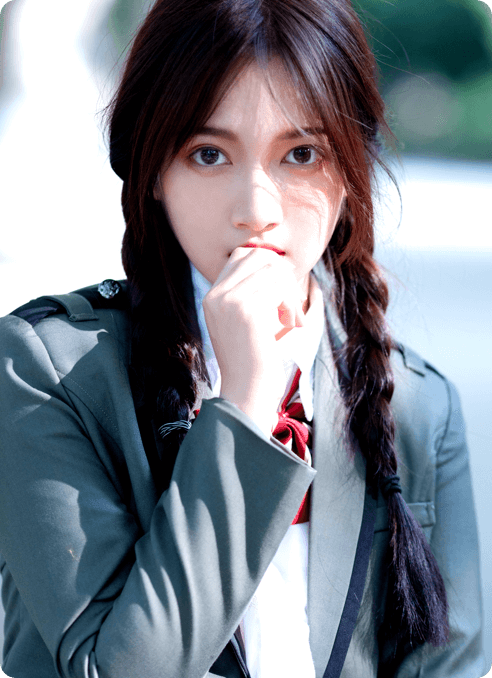

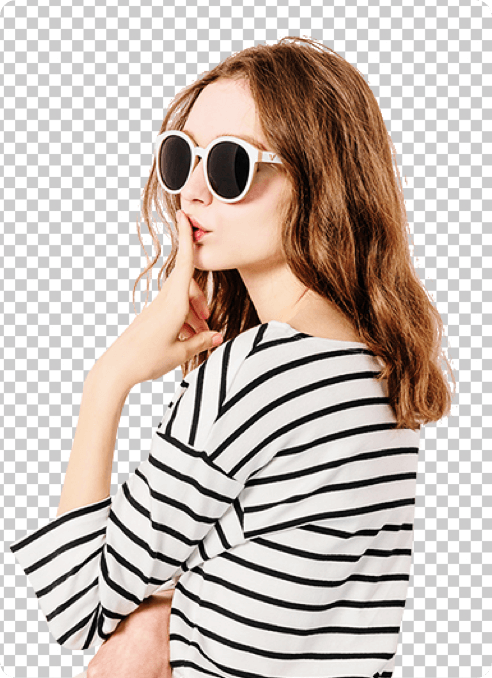
AI Background Remover
One-click to get transparent image background with AI

Main Features
Enlarge image size, upscale photos to 4K, and keep important details clear.
AI sharpening and noise reduction help restore blurry, compressed, or low-resolution images.

AI upscaling upgrades your resolution to 4K
Enlarge photos by up to 40x and enjoy unprecedented image quality.

One-Click Batch Processing
Select multiple images to enlarge with one click, saving time and making operation easier

AI denoising helps create clear and natural results
AI denoising would perfectly retain the image details, making up for the disadvantages of traditional tools.

AI Background Remover
Easily remove background from image utilizing deep convolutional neural networks that are trained with millions of professionally enhanced samples

TTA Image Enhancement
Enlarge photos by up to 40x and enjoy unprecedented image quality.

Data Safe Guaranteed
Enlarge your image on your computer without network, protecting user privacy and making picture processing more secure
Usage Scenario
Enhance photos in daily life
Drawing and Designing
Enlarge Photos for Print
Retouching Images for PPT
More other scenes
Download
How to Upscale an Image Without Losing Details?

Install
Download and Install the downloaded software

Add Images
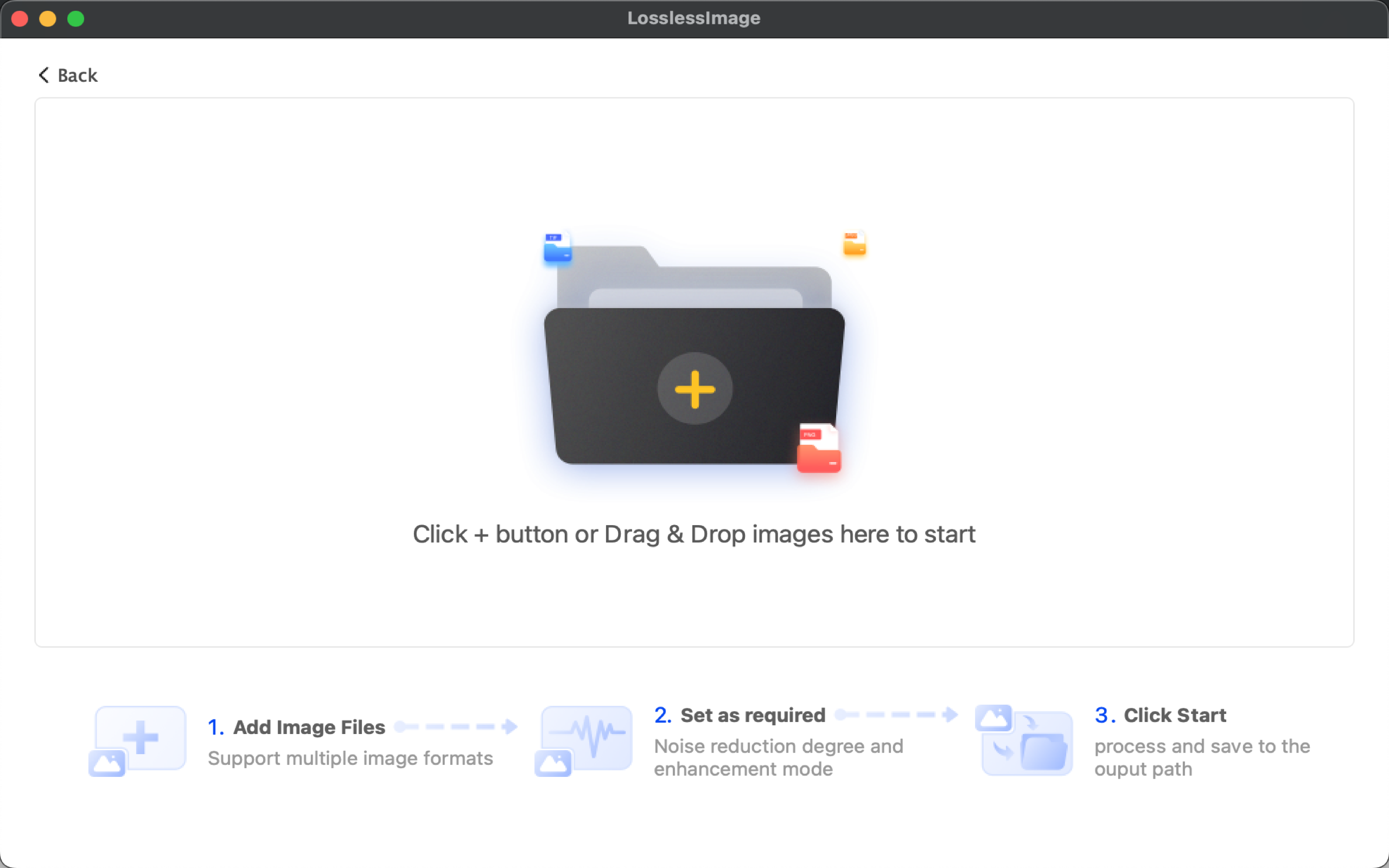
Click the button "Add Images" to import photos for AI upscaling.

Set as required
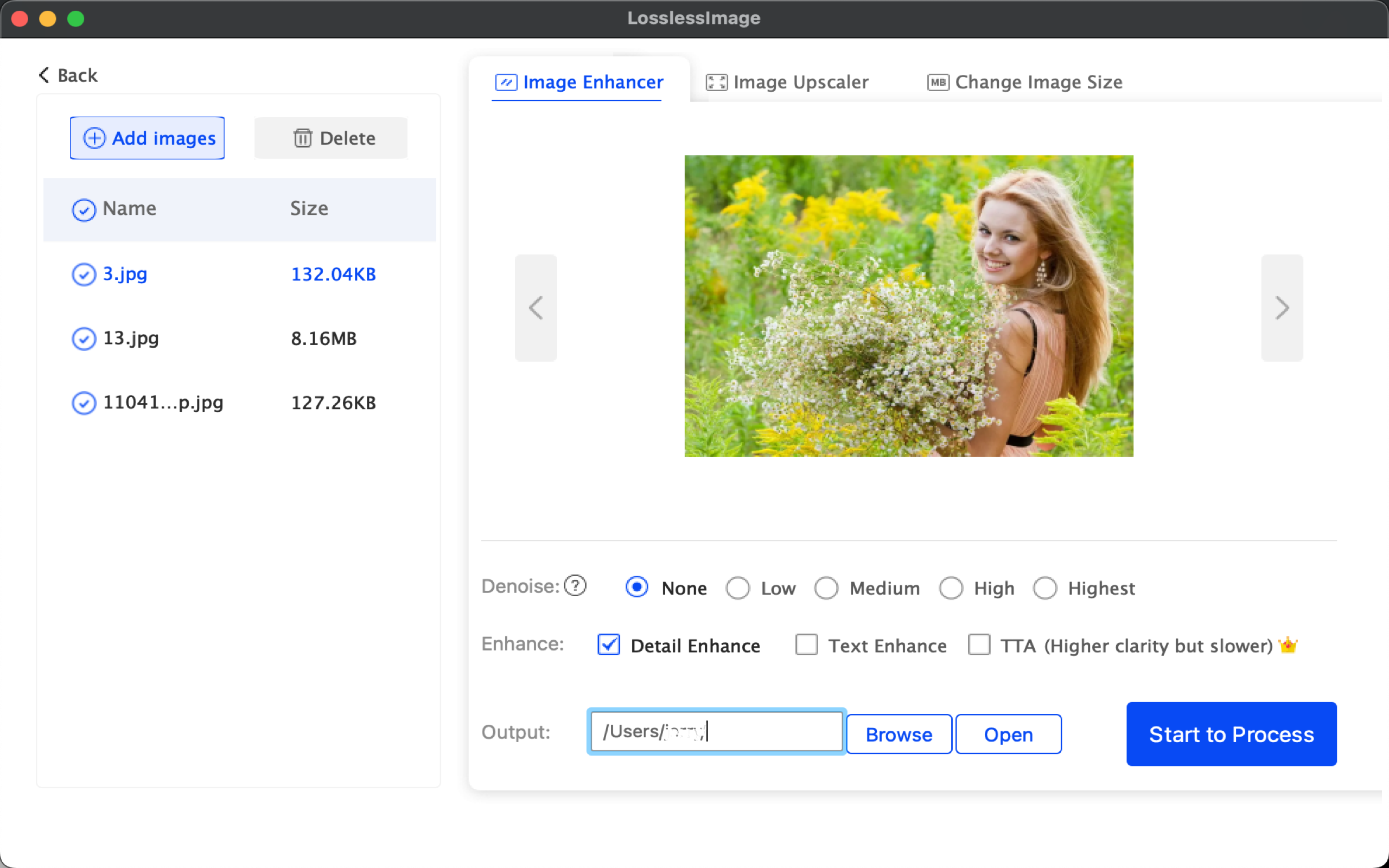
Set the upscaling scales from 2x,4x,8x to 16x and noise reduction level, etc.

Start to Process
Click "Start to Process" to make an image bigger.
 1
1 Step 1: Select the image enhancement feature you need
Step 2: Click "Add Images" to import images
Step 3: Click "Start to Process" to start processing
You can also set the parameters to customize the output settings in details
LosslessImage Worth More Trust

I am a designer, I use LosslessImage to enlarge blurry images. The results are quite clear, convenient and time saving.
It's very user-friendly, you can choose the size for enlargement. 16x is really strong, with good color and detail control.

The contract documents and drawings are particularly small and blurry, and need to be enlarged and printed. The software handles details and noise reduction very well.

I have a high demand for clear photos, and online photos are very blurry. This software can help me enlarge clear photos, and the technology is great!